
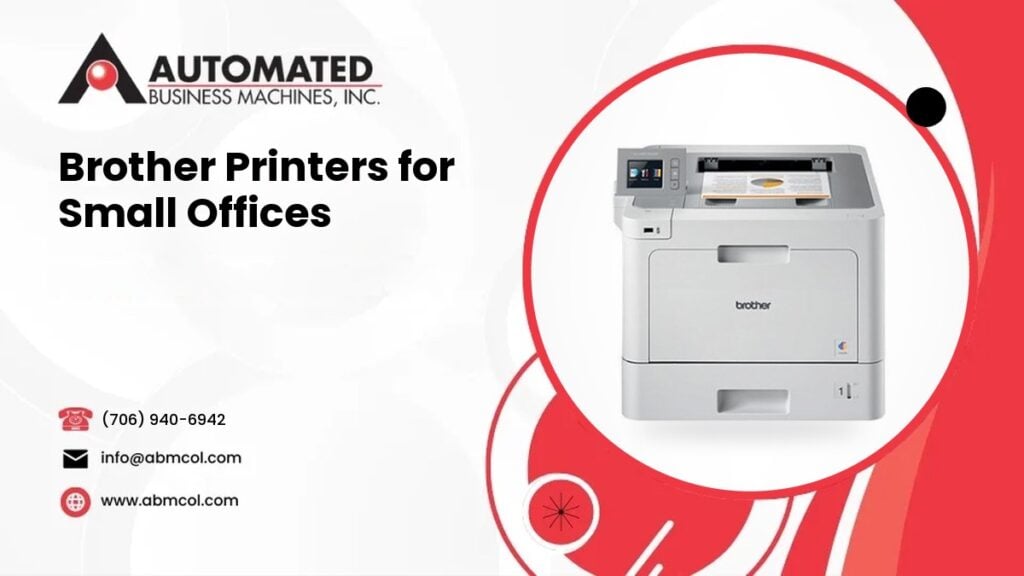
Not every office needs a big copier. If you have a small team, a home office, or a front desk that prints a few forms, a desktop printer may be all you need. A good one can save you money and floor space.
At Automated Business Machines (ABM), we now carry Brother desktop printers, along with HP desktop printers. We also sell, lease and rent copiers and multifunction printers from Sharp, Toshiba, Xerox and Lexmark. That means we can tell you honestly which kind of machine fits your office, because we do not have to push just one.
This post explains when a Brother laser printer or multifunction printer makes sense, and when a shared copier is the better choice.
When a Brother desktop printer makes sense
A desktop printer is built for a small group of people and a modest amount of printing. Here are the situations where we see it fit well.
Your print volume is low to moderate
Volume is the first question we ask. Think about how many pages your office prints in a typical month. If the answer is a few hundred to a modest number, a desktop laser printer is usually a comfortable fit.
If the number is large and growing, a desktop machine will work harder, wear faster and need more frequent supply changes. That is a sign to look at a copier or a larger multifunction printer instead.
Only a few people share it
A desktop printer works well for one person, a small team, or a small shared workspace. Once ten or more people are sending jobs all day, lines form at the printer and paper runs out often. A larger machine handles that traffic better.
Your documents are simple
Most small offices print invoices, letters, contracts, shipping forms and the occasional report. These are everyday documents that a desktop laser printer handles well. If you regularly print thick booklets, finished brochures or large stapled sets, a copier with finishing options is a better match.
You want a small footprint
Desktop printers fit on a desk, a shelf or a small cabinet. A full size copier needs floor space, a power outlet nearby and room to open its doors and trays. In a tight office, that matters.
Laser printer or multifunction printer?
Brother makes both single function laser printers and multifunction printers. The difference is simple.
- A laser printer prints. That is all it does.
- A multifunction printer (often called an MFP or an all in one) prints, copies, scans and sometimes faxes.
If your office only prints, a laser printer keeps things simple. If you also scan receipts, copy IDs or send documents to email, a multifunction printer saves you from owning two or three separate devices.
Models and features vary, so check the exact specs for any machine you are considering. Look at things like paper tray size, whether it prints on both sides automatically, and whether the scanner has an automatic document feeder. Our team can walk you through the choices, and you can browse all equipment models to see what is available.
Color or black and white?
This choice changes both the machine and your ongoing costs.
Black and white laser printing is a good fit if most of your documents are text. It is simple, sharp and usually the lowest cost way to print everyday pages.
Color is worth it if you print:
- Marketing flyers or handouts
- Charts and graphs for clients
- Proposals where branding matters
- Forms with color coding
A color machine uses several toner colors, so you have more supplies to track. If you only need color a few times a month, some offices keep a black and white printer for daily work and use one color machine for special jobs. Others simply send color jobs out. Think about how often color helps your business before you decide.
Scanning needs
Scanning is where many small offices outgrow a basic printer. Ask yourself:
- Do you scan single pages or stacks of pages?
- Do you need to scan both sides of a page?
- Do scans need to go to email, a shared folder or a cloud service?
- Does more than one person scan during the day?
A multifunction printer with an automatic document feeder lets you load a stack and walk away. A flatbed only scanner means you place each page by hand. For a few pages here and there, that is fine. For a stack of contracts, it gets old fast.
If scanning is a big part of your workflow, tell us. It may point you to a multifunction printer, or to a shared copier with stronger scanning tools.
Cost per page thinking, in general terms
The price of the machine is only part of what you pay. The ongoing cost of each printed page matters just as much, and it is the part many people miss.
Here is what drives the cost of printing:
- How much you print. More pages means more toner, more paper and more wear.
- Toner size. Some cartridges are made for light use and some hold more. A larger cartridge usually spreads its cost across more pages.
- Color versus black and white. Color pages generally cost more to produce than black and white pages.
- Paper and waste. Misprints, test pages and reprints add up.
- Service and repairs. A machine that is pushed beyond its intended use tends to need more attention.
A desktop printer often has a lower upfront cost, but a printer asked to do too much can end up costing more over time. A copier or larger multifunction printer may cost more to start, but it is built for higher volume, so each page can make more sense at scale. The right answer depends on your real print numbers, so we always recommend counting your pages first. We quote only after we understand your needs, so we do not publish prices here.
Supplies: keep it simple
Supplies are an everyday part of owning any printer. Before you buy, think about:
- How many toner cartridges the machine uses
- Whether a larger capacity cartridge is available
- Who will watch the toner level and reorder
- Where you will store spare paper and toner
A small office does not want to scramble when the toner runs out in the middle of a job. Keeping one spare cartridge on hand is a common habit. If you are a ABM customer, you can order supplies from us when you need them.
Networking and sharing
Most small offices want more than one computer to reach the printer. Check how the machine connects:
- USB connects one computer directly. It is simple but limited.
- Ethernet connects the printer to your office network with a cable. It is steady and reliable.
- Wireless lets people print without running cables, which helps in small spaces.
- Mobile printing lets phones and tablets send jobs, depending on the model.
Network setup is where small offices often get stuck. Printers need a steady address, the right drivers and secure settings. If you want help, our team also offers managed IT services, so we can connect the printer to your network and keep it working with the rest of your technology.
When a shared copier is the better choice
A desktop printer is not always the answer. A shared copier or larger multifunction printer from Sharp, Toshiba, Xerox or Lexmark may fit better if:
- Your office prints a lot every month
- More than a handful of people share the machine
- You need fast, heavy duty scanning
- You print large sets, booklets or stapled packets
- You want built in tracking, user codes or secure print release
- You are tired of replacing toner cartridges often
A copier is built to run harder and longer. It has bigger paper trays, bigger toner supplies and finishing options. For a growing office, that can mean fewer interruptions.
Some businesses use both. A copier sits in a central spot for big jobs, while a desktop printer sits at a front desk or in a private office for confidential documents.
A quick way to decide
Answer these questions:
- How many people will use the machine?
- About how many pages do you print each month?
- Do you need color, and how often?
- Do you scan, and how many pages at a time?
- Where will it sit, and how will it connect?
- Who will handle supplies and basic upkeep?
If your answers are small and simple, a Brother desktop laser or multifunction printer is likely a smart fit. If your answers are big or growing, talk to us about a copier.
We can help you choose
We are a locally owned company that has served Georgia businesses since 1991. Our headquarters is at 1730 Boxwood Place in Columbus, with a branch office in Leesburg near Albany. We serve businesses across Georgia, including Columbus, metro Atlanta, Macon and Albany, plus Phenix City, Auburn and Opelika in east Alabama.
If you already own a printer, call us with the make and model and we will tell you how we can help. Our average response time is 4 hours. If you need help with a machine today, you can request service online.
Ready to find the right printer for your small office? Call Automated Business Machines at (706) 940-6942 and we will help you choose a machine that fits your team and your budget.
Frequently Asked Questions
Is a Brother laser printer good for a small business?
Often, yes. A Brother laser printer suits small businesses that print mostly text documents, have a small team and print a low to moderate number of pages. If your volume is high or many people share one machine, a copier may serve you better. We can help you compare.
What is the difference between a Brother laser printer and a Brother multifunction printer?
A laser printer only prints. A multifunction printer prints, copies, scans and sometimes faxes. If your office only needs printed pages, a laser printer is simple. If you also scan or copy documents, a multifunction printer replaces several machines with one.
When should a small office choose a copier instead of a desktop printer?
Choose a copier when many people share the machine, print volume is high, you scan stacks of pages, or you need finishing such as stapling. Copiers are built for heavier use, with larger trays and toner supplies. Many offices use a copier for big jobs and a desktop printer for private ones.
Does Automated Business Machines service printers it did not sell?
Call us with the make and model and we will tell you how we can help. Our technicians have a 4 hour average response time. If your printer is down or acting up, you can request service online or call our office and tell us what is happening.